

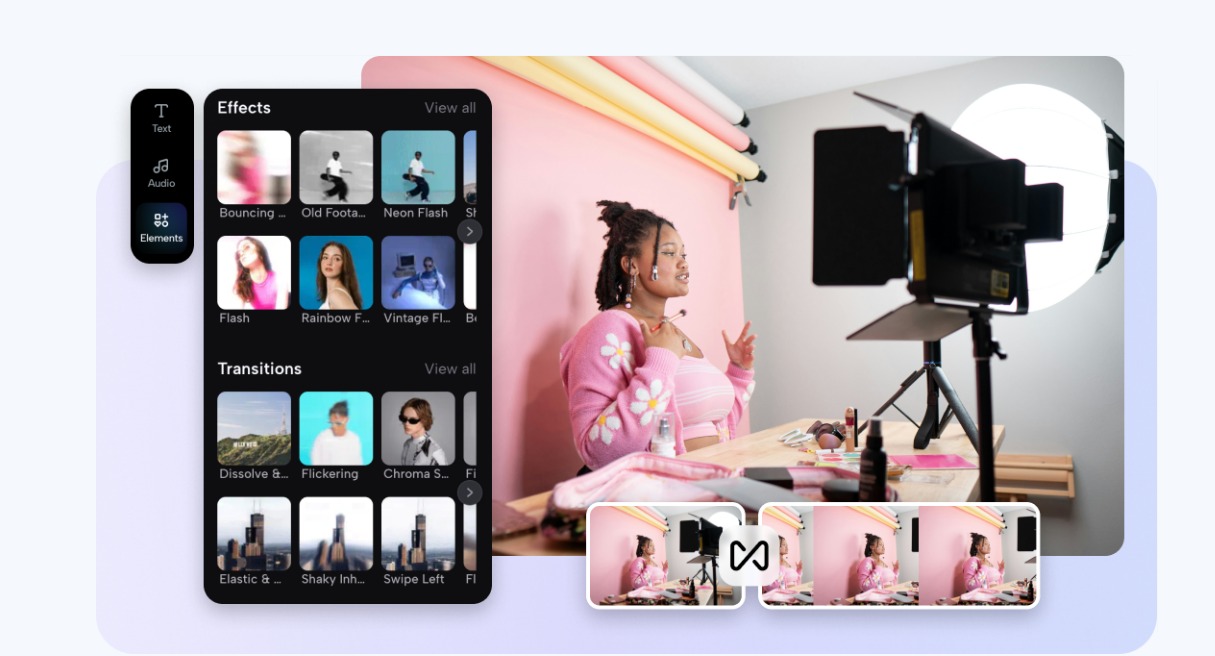
Did you ever upload a video and then realize that the most important part didn’t stand out? Maybe someone’s reaction got cropped out, or the detail you wanted to highlight looked way too small. Sometimes, black bars or unnecessary space pull attention away from what truly matters. That’s why it’s so important to learn how to crop video the right way so your audience focuses exactly where you want them to.
The good news? You don’t need to be a professional editor to nail this. With tools like Pippit’s Smart Crop, adjusting your videos has never been easier. You can make sure your viewers see the right moment, every time.
In this blog, we’ll explore why cropping matters, how it can transform the impact of your videos, and how to use Pippit AI to crop quickly and correctly.
Why cropping isn’t just trimming the edges
When people think of cropping, they often imagine simply cutting off parts of a frame. But cropping is much more powerful than that. It’s about reframing your story deciding what stays in, what gets left out, and how your subject shines.
Think of it like photography: a slight shift in framing can change how the story feels. In video, that same shift decides whether viewers notice the reaction on your face, the sparkle of your product, or the moment that makes them stop scrolling.
- Zooming in on your expression during a reaction video makes the emotion crystal clear.
- Cropping a product demo highlights exactly how useful the item is, instead of letting distractions take over.
- Tight framing in a storytelling vlog ensures the emotional beats don’t get lost.
Cropping isn’t about shrinking it’s about spotlighting the right detail.
How focus can make or break your video
Every second of your video is competing for attention. If your viewers can’t spot the important part quickly, they’ll scroll away. Cropping helps direct their focus where it matters most.
- Facial expressions and body language stay visible, making interactions feel personal.
- Products or actions stay centered, making them easier to understand.
- Viewers feel guided through the story, instead of lost in unnecessary background.
In short: the right crop is like pointing to the screen and saying, “Look here. This is the part that matters.”
Why do different platforms need different crops
One size doesn’t fit all in the world of social media. Cropping also depends on where you plan to post:
- TikTok (9:16 vertical): Center the action and remove distractions. Vertical framing fills the screen and feels immersive.
- YouTube (16:9 widescreen): Wider shots let you show more, but avoid leaving too much empty space that weakens the focus.
- Instagram: Feeds often use 1:1 or 4:5, while Reels and Stories need 9:16. Feed posts benefit from closer crops, while Stories work best with engaging full-screen frames.
Getting aspect ratios wrong can mean faces cut off, awkward black bars, or viewers missing the point entirely. Getting it right makes your video look polished and platform-ready.
Step by step: How to crop video with Pippit Smart Crop
This is where Pippit steps in. Pippit’s AI-driven Smart Crop feature makes reframing simple, precise, and stress-free. Here’s how you can do it in just three steps:
Step 1: Upload your videos
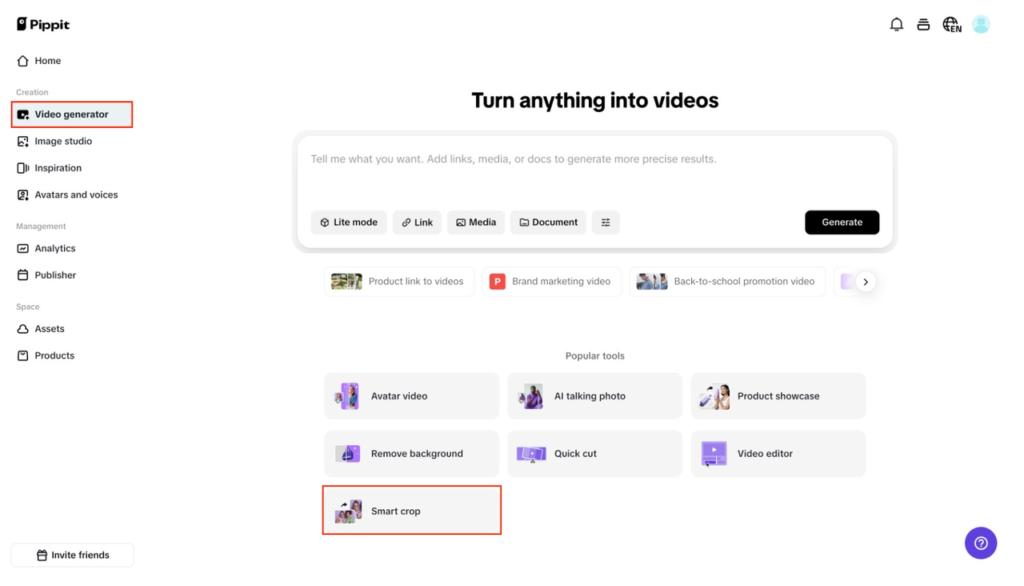
Log in to Pippit and head to the “Video generator” tab. Click on the “Smart crop” tool and hit Upload to bring in your video. You can choose from your device, cloud storage, or existing assets.
Step 2: Crop your videos
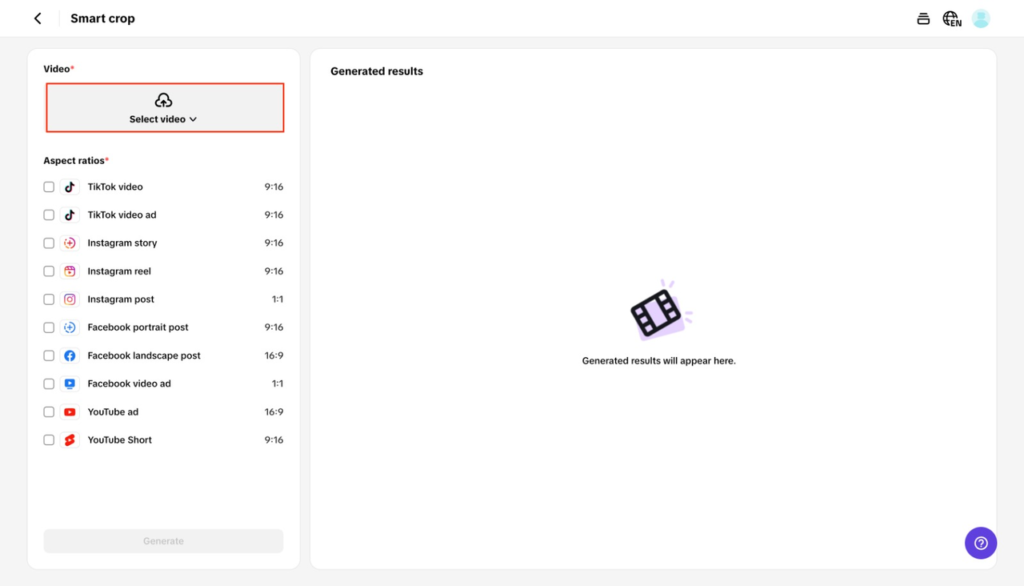
Pick from preset aspect ratios like 1:1 for Instagram or 9:16 for TikTok. The AI automatically adjusts your video for the platform, but you can also crop manually to highlight faces, movements, or products. Either way, the quality stays sharp and professional.
Step 3: Export your videos
Preview your cropped video to check the focus. Once happy, choose your format and resolution, then hit Export. Pippit even lets you share directly to YouTube or Instagram without extra steps.
With Smart Crop, you spend less time resizing and more time creating.
Real examples of when cropping changes everything
Here are a few scenarios where cropping takes a video from average to engaging:
- Cooking tutorials: Cropping tightly on the mixing bowl makes recipes easier to follow.
- Fitness content: Showing a close-up of form or movement ensures correct technique.
- Unboxing videos: Viewers feel connected when they clearly see the product details up close.
- Storytelling vlogs: Highlighting facial expressions draws viewers deeper into the story.
Without proper cropping, these moments might feel flat or confusing. With it, they pop.
Why AI cropping beats manual editing
Cropping by hand usually means endless resizing, exporting multiple versions, and still risking that something important gets cut out. That’s where AI makes the difference.
With Pippit’s Smart Crop, you get:
- Automated focus detection, so the main subject always stays visible.
- Aspect ratio presets that fit every platform perfectly.
- High-quality exports with no stretching, blurring, or odd frames.
This isn’t just about saving time it’s about making your content look professional without needing multiple tools.
More than cropping: creativity powered by AI
What makes Pippit stand out is that it doesn’t stop at technical fixes like cropping. It also gives creators tools to make their videos more original and engaging. One of the most exciting features is the AI lyrics generator.
Imagine you’re creating a TikTok where you want a short song or catchy lyrics that match your visuals. Instead of spending hours writing, Pippit can generate custom lyrics in seconds. Pair those lyrics with your perfectly cropped video, and suddenly you have content that feels tailored, fun, and highly shareable.
This feature shows how Pippit goes beyond being just an editor it’s also a creative partner that helps bring your video ideas to life.
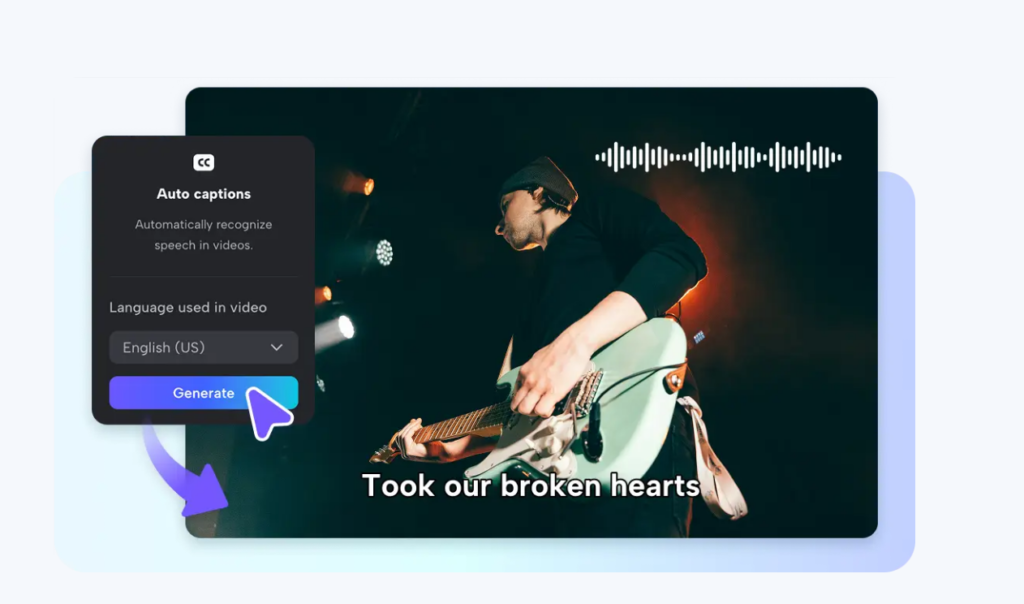
From cropping to creating ads that convert
Here’s the secret many creators don’t realize: cropping isn’t just about making a video fit. It’s also about preparing it for campaigns. Once your video is cropped to highlight the right parts, it’s much easier to turn it into ads, promos, or branded content.
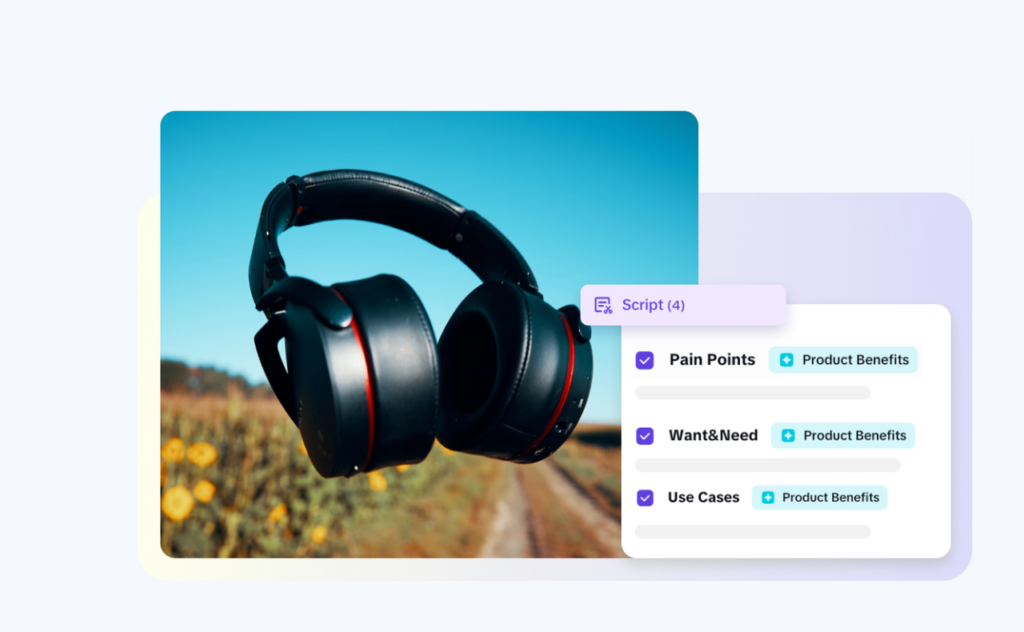
And this is where Pippit really shines beyond cropping. With its built-in ad maker, you can transform a simple video into a scroll-stopping ad. Pre-designed templates for TikTok, Instagram, and YouTube, combined with AI-powered suggestions, give your content a professional edge without needing a design team.
Cropping helps set the stage, but the ad maker helps you reach the audience who matters most.
Final thoughts
At the end of the day, cropping isn’t just trimming footage. It’s about guiding your audience’s eyes, telling your story clearly, and removing distractions. Whether you’re making people laugh, showing a product demo, or capturing an emotional reaction, cropping ensures nothing important gets lost.
With tools like Pippit, you don’t need years of editing experience to master this. Smart Crop, the AI lyrics generator, and ad maker templates make it simple to frame the right moment, keep your viewers engaged, and create content that feels professional from start to finish.
So next time you edit, remember: cropping is not about cutting it’s about focusing